
What is 123 Polls & Surveys for Microsoft Teams?
New here? Add 123 Polls & Surveys to Microsoft Teams. It's free to start. Already have it? Open it in Teams.
123 Polls & Surveys is a Microsoft Teams app for asking your meeting a question and seeing everyone's answers as they come in. You can run a one-question poll in a few seconds, or a longer survey or quiz, and people answer without leaving Teams.
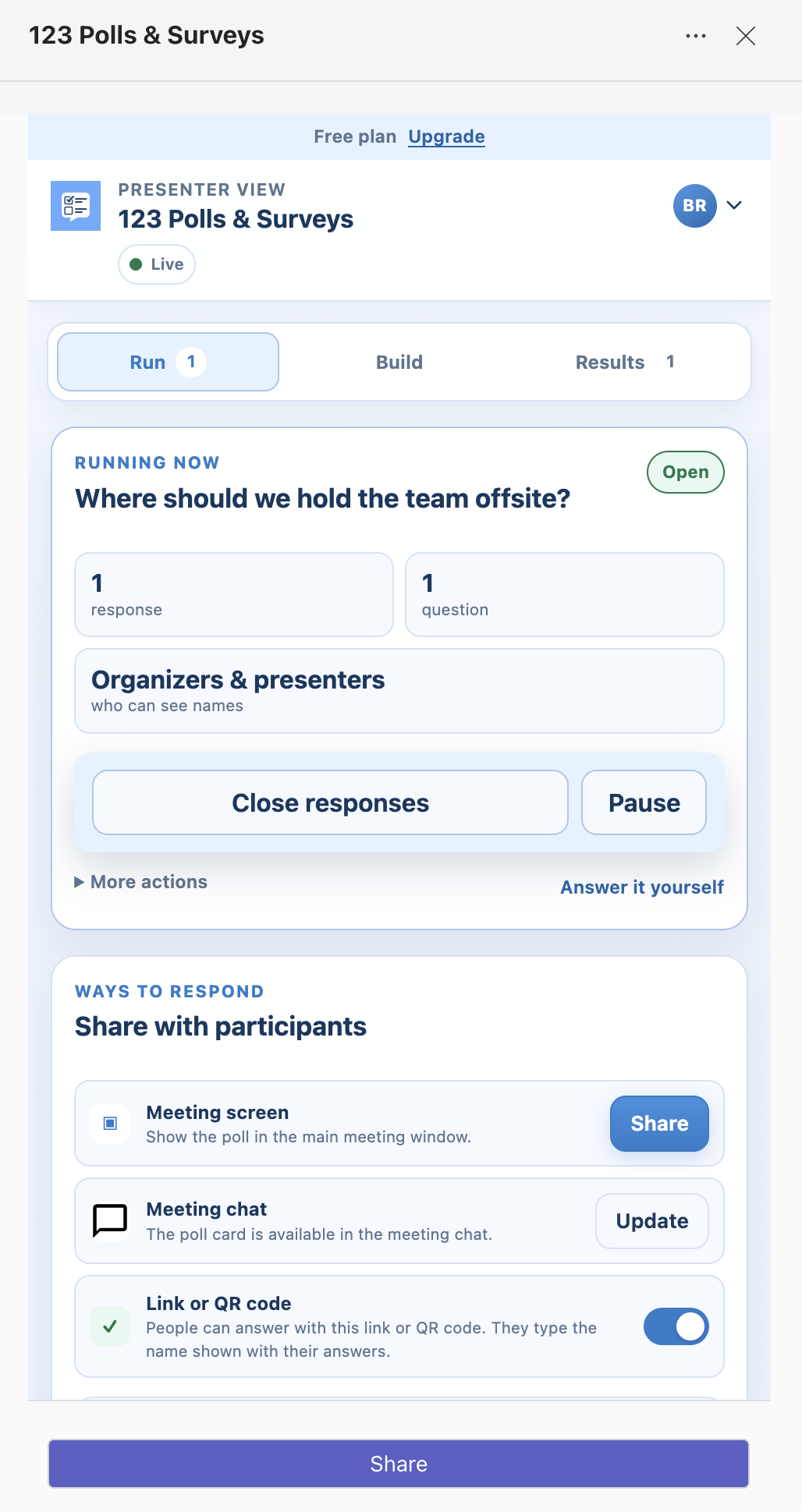
What you can do with it
- Ask in eleven ways: single and multiple choice, quizzes, ratings, rankings, word clouds, idea boards, written answers, agreement scales, recommendation scores (0 to 10) and emoji feedback. See question types.
- Share it where people are looking: in the meeting chat, on the meeting screen, or with a link and QR code for people who aren't in Teams.
- Choose who sees names: nobody, organizers and presenters, or everyone.
- Decide when results appear: live, after each person answers, when you reveal them, after the poll closes, or never for participants.
- Keep the results: download them as Excel, CSV or an image, and find past polls in Poll history at blueskyapps.org/polls.
Where it works
In private scheduled Teams meetings (side panel, meeting tab and meeting screen), and for quick polls in group chats, standard channels and shared channels. It doesn't work in webinars, town halls, channel meetings, instant "Meet now" calls or private channels yet. More in Where does 123 Polls & Surveys work?
What it costs
The free plan covers polls in 2 meetings or chats a month. New accounts get a 10-day Pro trial when they first run polls in their own meeting. People answering your polls never need a plan or an account. See plans, trial and limits.
Next step
How to create a poll in a Microsoft Teams meeting
Still stuck? Send us a message and our team will help.