
How to add Polls, Surveys & Forms to Zoom
Don't have the app yet? Add Polls, Surveys & Forms to Zoom. It's free to start. Already have it? Open it in Zoom.
Adding the app takes about a minute, and you only do it once. Polls, Surveys & Forms is a Zoom app from BlueSky Apps for asking your meeting a question, or a whole survey, and watching the answers come in. It works on any Zoom plan, including Zoom's free plan.
Add it to Zoom
-
Click Add Polls, Surveys & Forms to Zoom, or find it in the Zoom App Marketplace. Click Add (if you're signed out of Zoom, it says Sign in to Add). If your Zoom account has admin rights, you'll see Add for others instead, with Add for myself under the arrow beside it. Choose Add for myself to add it just for you.
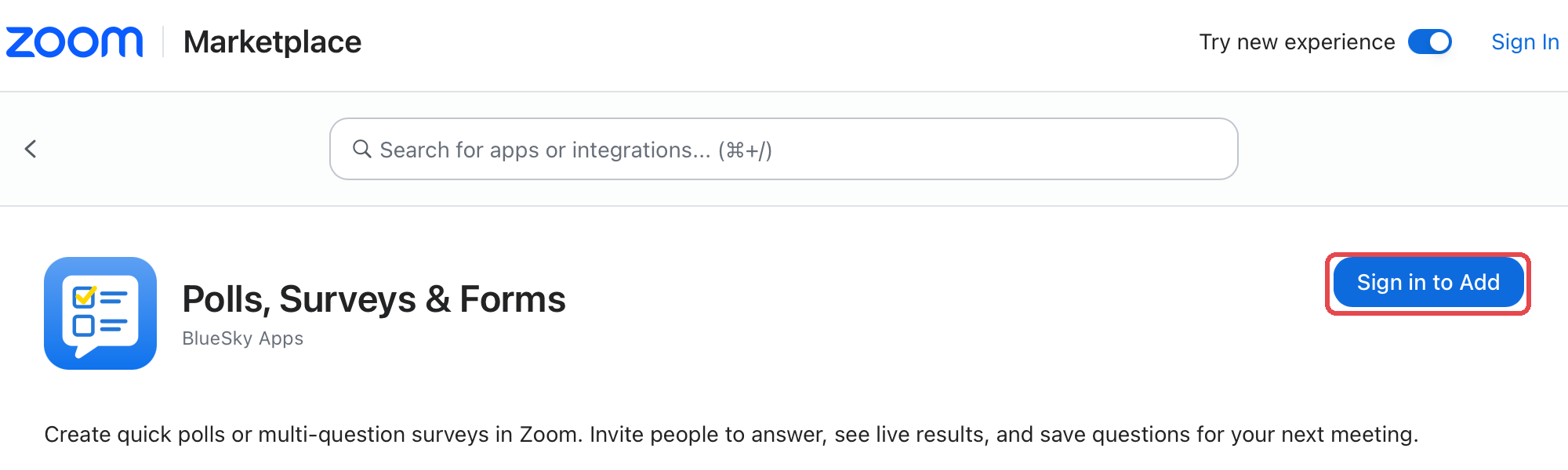 The Polls, Surveys & Forms listing in the Zoom App Marketplace, showing Sign in to Add.
-
Sign in to Zoom if asked. Review what the app can access and click Allow.
 The Polls, Surveys & Forms listing in the Zoom App Marketplace, showing Sign in to Add.
Open it in a meeting
-
Start or join a Zoom meeting in the Zoom desktop or mobile app.
-
Click Apps (or More > Apps) in the meeting toolbar.
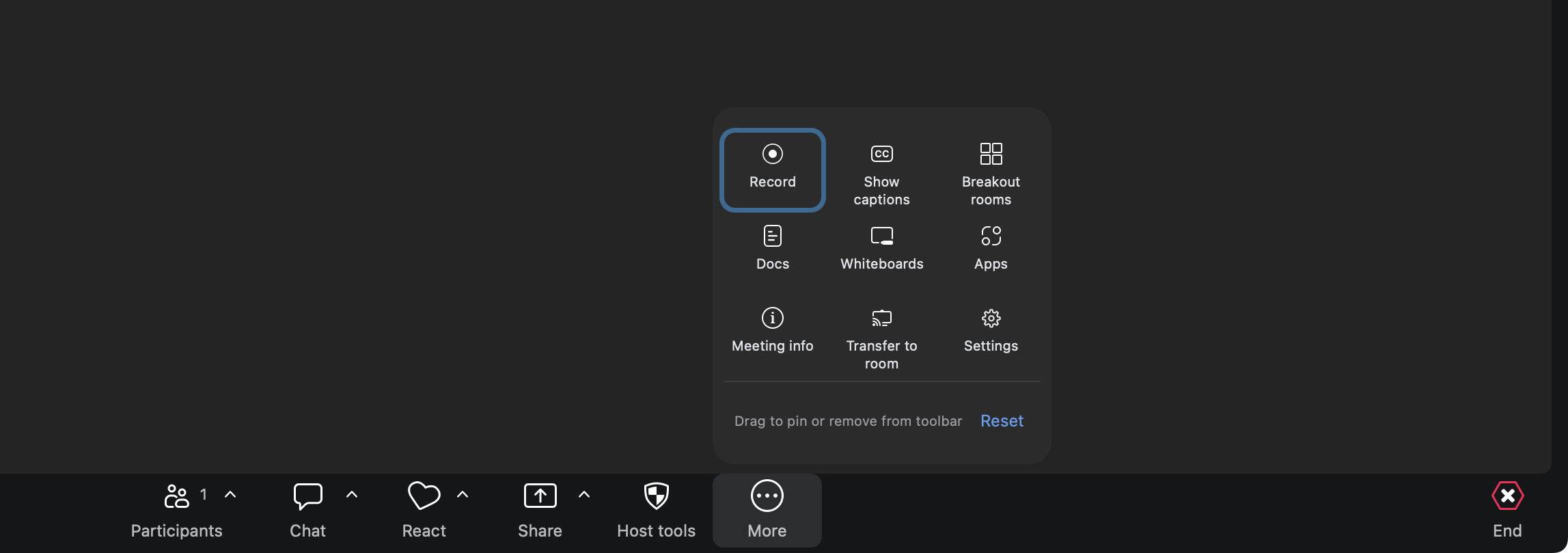 The Zoom meeting toolbar, with Apps ringed.
-
Choose Polls, Surveys & Forms. It opens in a panel beside your meeting.
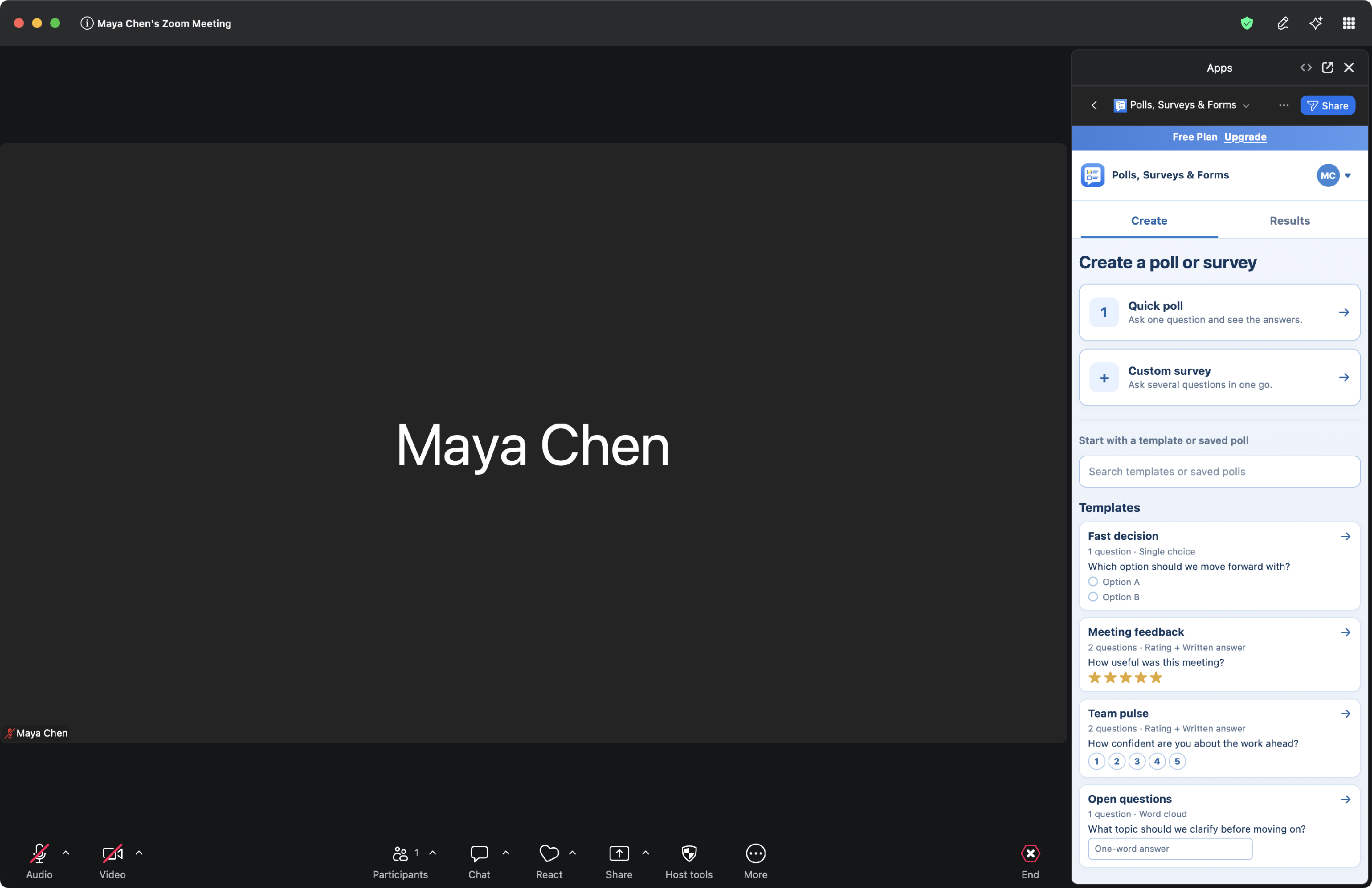 Polls, Surveys & Forms open beside the meeting on the Create tab, ready for a quick poll or a custom survey.
 The Zoom meeting toolbar, with Apps ringed.
 Polls, Surveys & Forms open beside the meeting on the Create tab, ready for a quick poll or a custom survey.
The first time, you'll see a short welcome. Click Get started, then create your first poll.
Good to know
-
Only the person running polls needs the app. People answering don't need to install anything or have an account: see how to invite people to answer.
-
You can open the app outside a meeting to write and save polls ahead of time. You need to be in a meeting to open one for answers.
-
Keep Zoom up to date. In the Zoom desktop app, click your profile picture, then Check for updates.
-
New accounts get a 10-day Pro trial. It starts the first time you use the app in a meeting, not when you add it. See plans, trial and limits.
Still stuck? Send us a message and our team will help.