
What does "Made with 123 Polls & Surveys" mean?
Want to run your own polls? Add 123 Polls & Surveys to Microsoft Teams. It's free to start. Already have it? Open it in Teams.
You'll see that line at the bottom of polls run on the free plan. It's a small note we add so people know which app the poll came from, and nothing else about the poll changes, including who can see the answers.
If you're answering a poll
There's nothing you need to do. Just answer as usual. If you're curious, clicking the note opens the app's page in Teams, in case you'd like to run polls of your own.
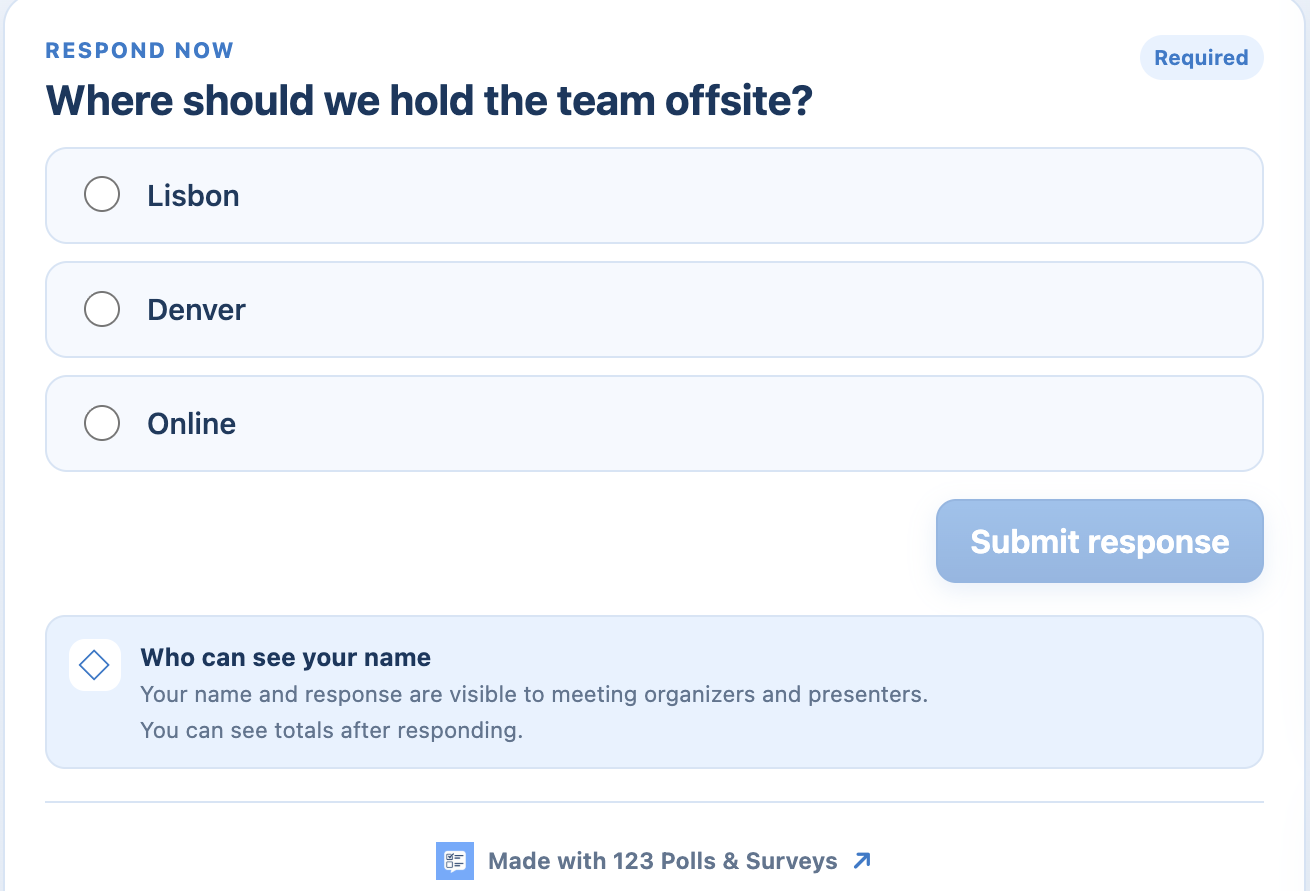 The note sits at the bottom of the poll.
If it's your poll
You'll see the note when the meeting's polls belong to an account on the free plan. It doesn't appear during your free trial or on a paid plan.
To remove it, choose a plan and the note disappears from your polls.
Questions? Send us a message and our team will help.